← All releases · Live Wallpaper & Widgets
Forge Desktop v0.1.3
Available now
Released 2026-11-18
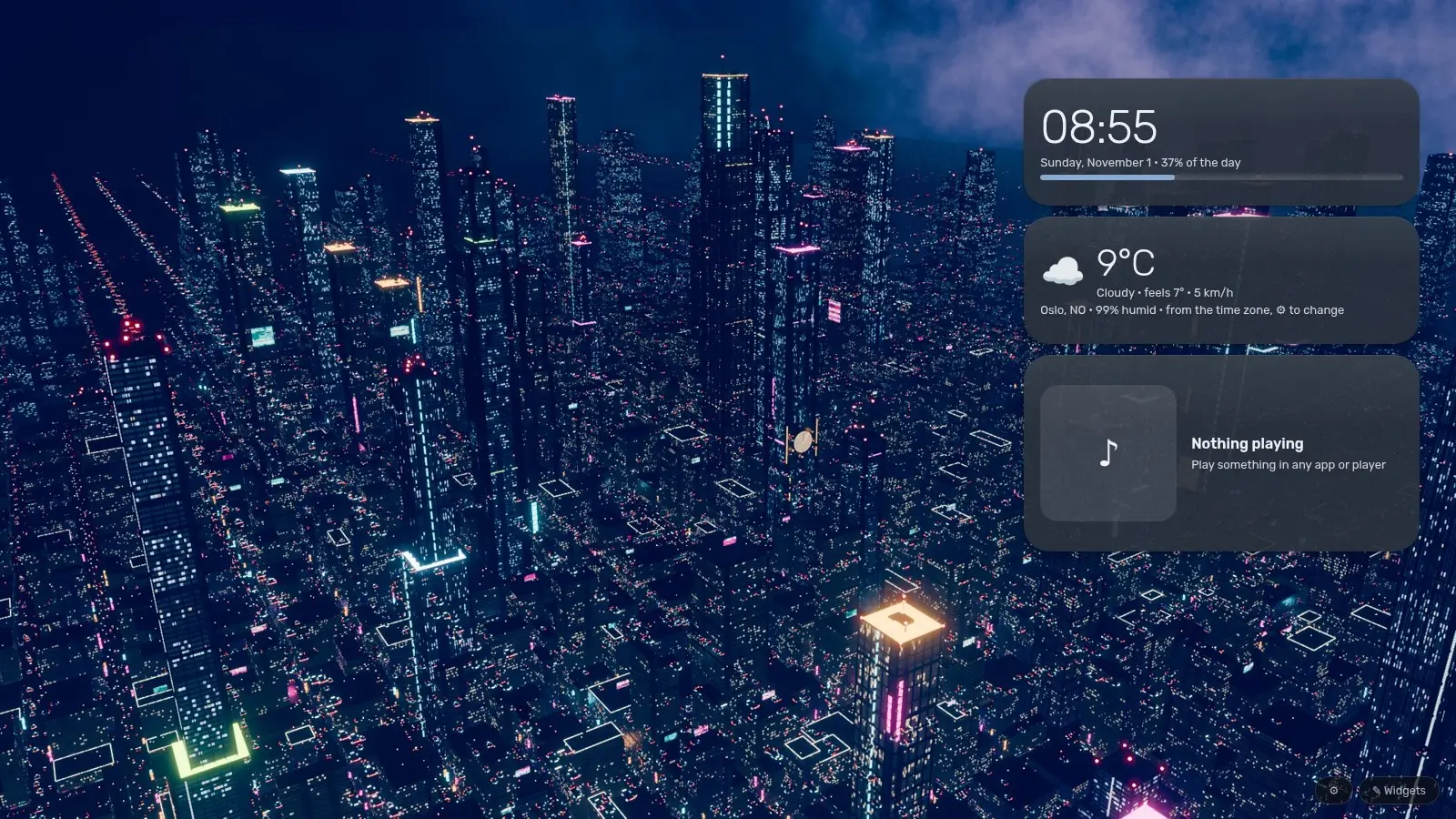
Particles, music visualisers, live/3D wallpapers, and desktop widgets (clock, weather, music player, notes) drawn directly behind your windows on Windows, macOS and Linux.
Downloads & SHA-256 checksums
| OS | Package | Size | SHA-256 | Action |
|---|---|---|---|---|
| Linux | Linux (x86_64) — forge-desktop-0.1.3-linux.tar.gzforge-desktop-0.1.3-linux.tar.gz |
19.4 MB | 0aabd078f9b0…cbffe618 |
Download |
| Windows | Windows (x64) — forge-desktop-0.1.3-windows-x64.zipforge-desktop-0.1.3-windows-x64.zip |
50.6 MB | 67ea409dab0d…39bb749c |
Download |
| macOS | macOS Apple Silicon (.zip)forge-desktop-0.1.3-macos-arm64.zip |
53.9 MB | 40398030c1dc…d96e812e |
Download |
| macOS | macOS Intel (.zip)forge-desktop-0.1.3-macos-x64.zip |
58.5 MB | 935aec3cd504…54410f98 |
Download |
Verify locally — Linux: sha256sum <file> · Windows PowerShell: Get-FileHash <file> -Algorithm SHA256
What changed in v0.1.3
- On Windows 11 the widgets no longer cover the wallpaper with a grey wall
- The live and 3D wallpapers come with it now, and their films play on Windows and Mac
Install & update
Windows (x64)
Extract the .zip and double-click Install.cmd (no administrator rights needed).
Linux (GNOME / Hyprland)
Unpack the .tar.gz and run sh install.sh (no sudo).
macOS (Apple Silicon / Intel)
Unpack the .zip, drag Forge Desktop.app to Applications, and allow it in Privacy & Security.
Screenshots
Click any screenshot to zoom in.
Updater feed
Forge optional download feed: Managed automatically through Forge Settings > Updates, or downloaded standalone below.
https://openzenith-releases.pages.dev/feeds/forge-desktop.json